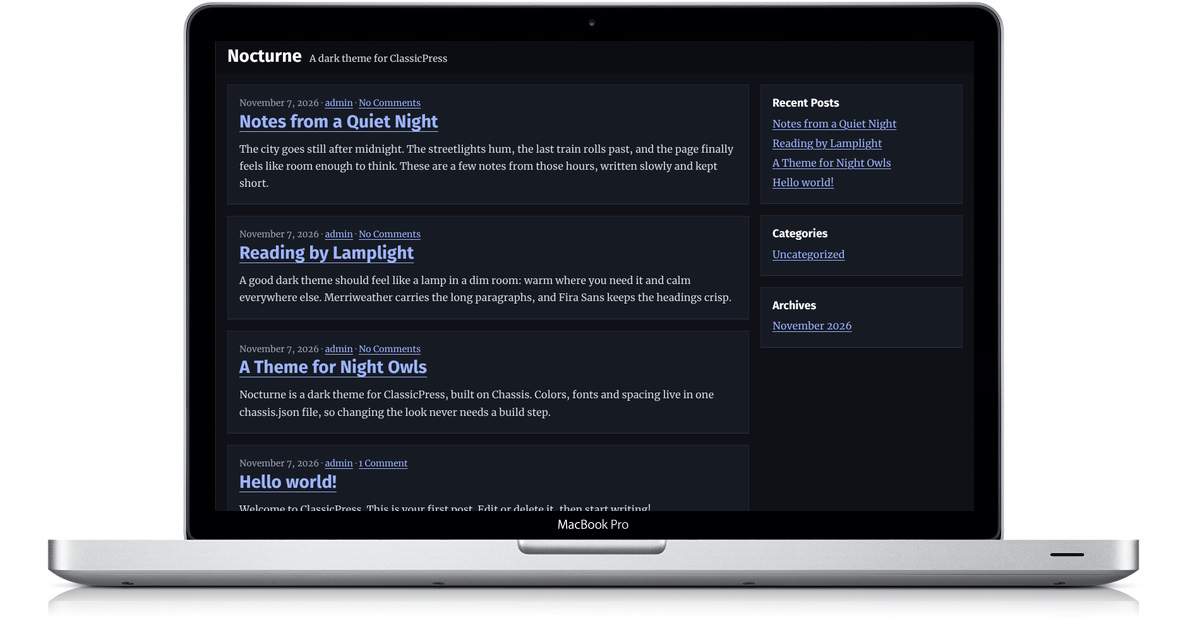
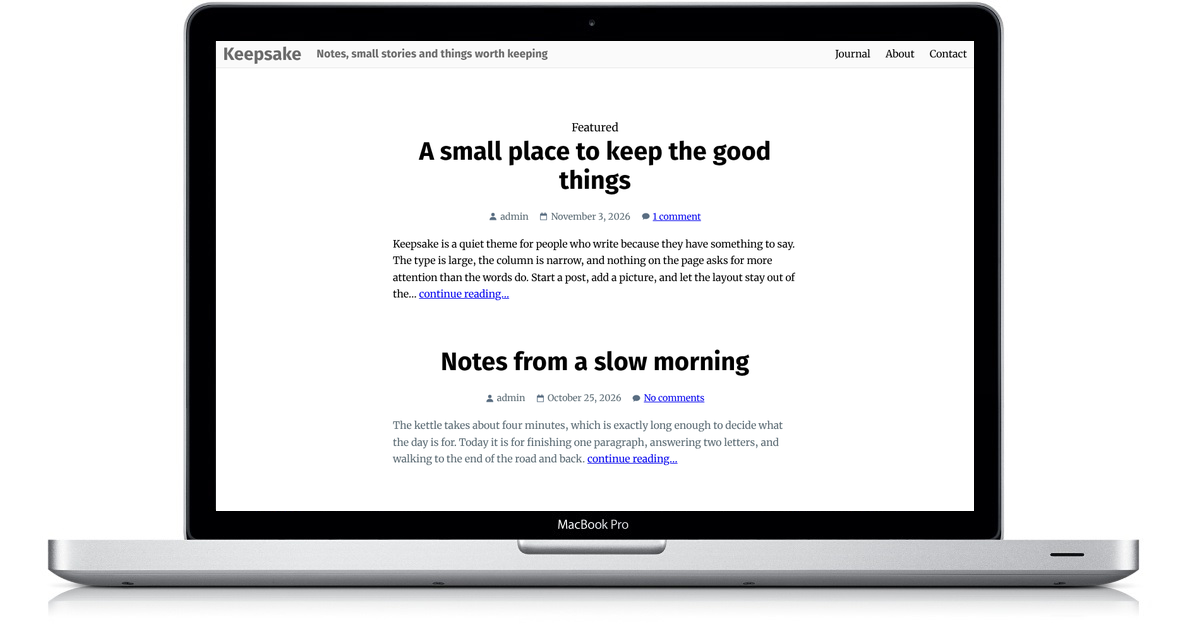
Beyond Expectations is a ClassicPress theme with a bold, full-width header image and a clean reading area below it. The site title sits over the header photo, a starry night sky by default, with the menu in a band underneath. Fira Sans headings and Merriweather text keep your posts easy to read, and it’s responsive and mobile ready.
Beyond Expectations is a parent theme. If you want to customize it without losing your changes during updates, create a child theme. It’s a dependable starting point for a personal blog or a small website.
Features
Beyond Expectations is built on the Backdrop Framework 2.0, so it provides a solid starting point with many useful features.
- A custom header image with the site title over it, plus a custom background.
- Choose content with a sidebar or full width in the Customizer. The sidebar sits on the right and is the default.
- Full Width and Custom Sidebar page templates.
- Three widget areas: Primary for posts and archives, Secondary for pages, and Custom for pages that use the Custom Sidebar template.
- A Primary menu below the header and a Social menu with icons, plus a search toggle that opens with the keyboard.
- Featured images in three sizes, chosen in the Customizer.
- A Beyond Expectations Settings page to turn off emoji, the toolbar, and embeds, and to choose a private page for the 404 error.
- Footer credit text you can change in the Customizer.
- Merriweather typography for body text and Fira Sans for headings, loaded from the theme.
- Threaded comments, a "Skip to content" link, and translation-ready strings for multilingual sites.
You can download the latest release on GitHub.
Child themes
Since Beyond Expectations is a parent theme, a child theme is the recommended way to keep your changes separate from the parent. Don't know how to make a child theme? Follow these steps:
- Create a folder named
beyond-expectations-childinside your/wp-content/themesdirectory. - Create a
style.cssfile in that folder. - Add the following theme header to
style.css:
/*
Theme Name: Beyond Expectations Child
Template: beyond-expectations
Version: 1.0.0
Text Domain: beyond-expectations-child
*/
The Template value must match the parent theme's folder name, beyond-expectations. Keep the Beyond Expectations parent installed and activate Beyond Expectations Child from the Themes screen.