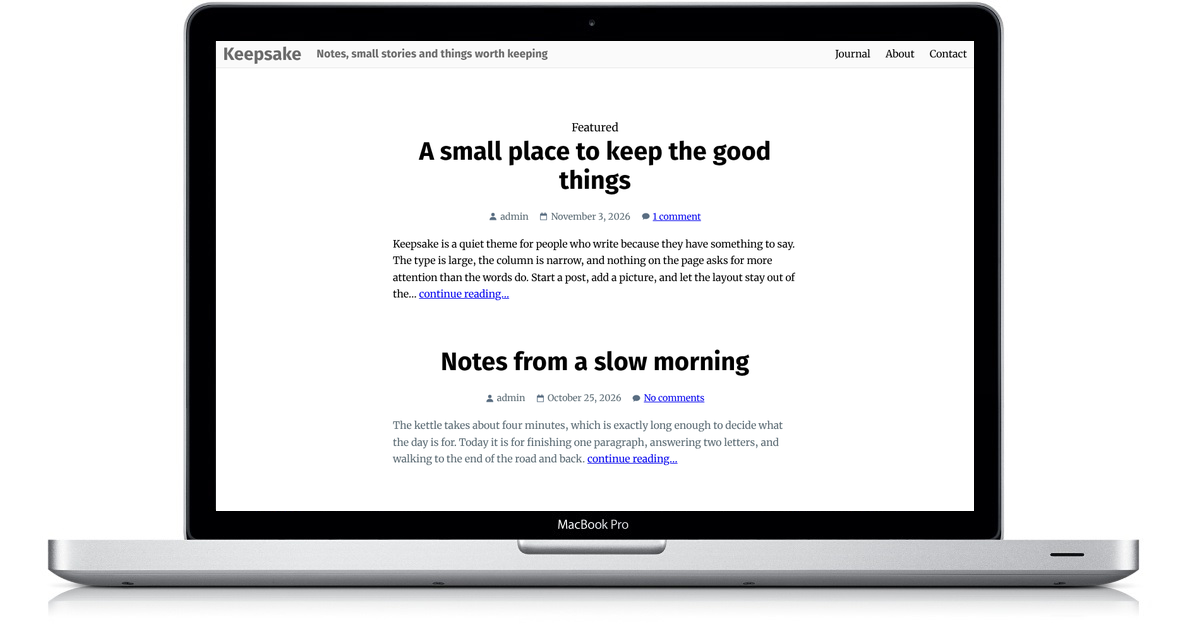
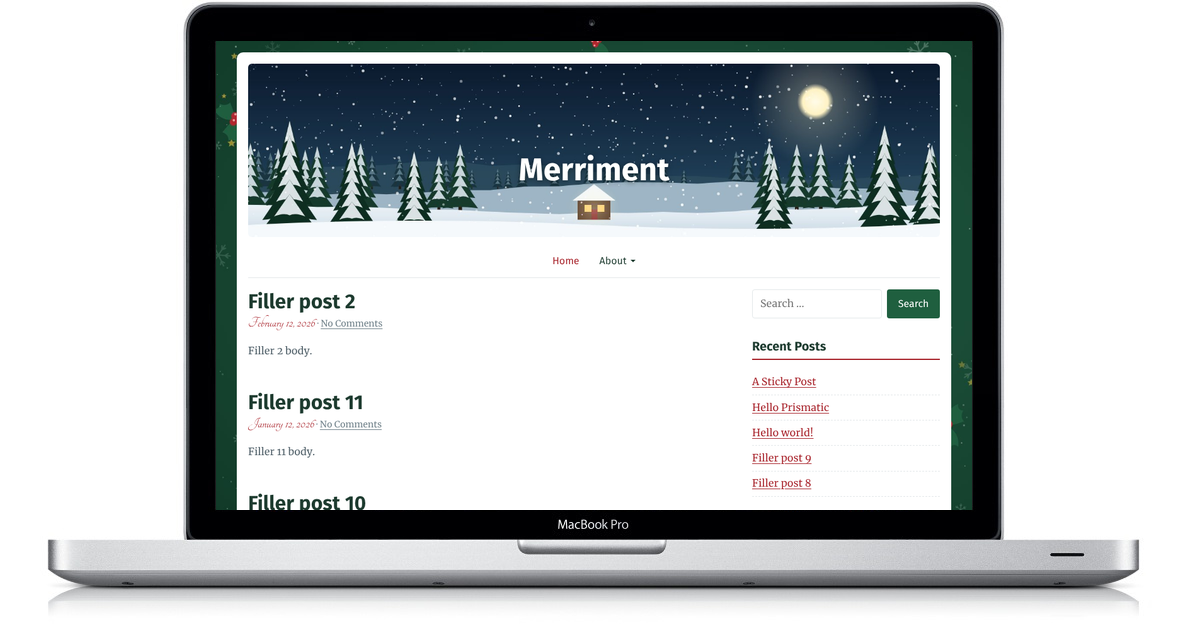
Generosity is a next-generation theme designed to work with ClassicPress, offering an ideal experience for showcasing your site’s content. It has a clean, modern design that’s great for any blogger who wants a fresh look for their site.
Generosity is a parent theme. What this means is that to customize it, you should be creating a child theme. All you need to know is that it is a solid, yet flexible starting point for any blog or portfolio.
Features
Generosity is built on the rock-solid Backdrop Framework, so it provides a great starting point with many useful features.
- Global layouts that let you choose between a left sidebar, a right sidebar, or no sidebar.
- A custom header that lets you add your own header image.
- Post thumbnails that work with ClassicPress' featured image functionality.
- Theme options in the Customizer so you can adjust the theme without touching any code.
- Translation ready, so your site can be presented in any language.
- And much, much more!
For step-by-step guides, read the Generosity documentation.
Child themes
Since Generosity is a parent theme, you'll want to create a child theme if you plan on making any customizations. Don't know how to make a child theme? It's relatively simple. Just follow the below steps.
- Create a theme folder in your
/wp-content/themesdirectory calledgenerosity-child. - Then, create a
style.cssfile within your theme folder. - At the top of your
style.cssfile, add the below information.
/**
 * Theme Name: Generosity Child
 * Theme URI: http://link-to-your-site.com
 * Description: Describe what your theme should be like.
 * Version: 0.1
 * Author: Your Name
 * Author URI: http://link-to-your-site.com
 * Tags: Add, Whatever, Tags, You, Want
 * Text Domain: generosity-child
 * Template: generosity
 */
Template must match the parent theme’s folder name, generosity. From this point, you simply need to start adding your own styles. The Generosity parent theme styles will automatically be loaded for you.