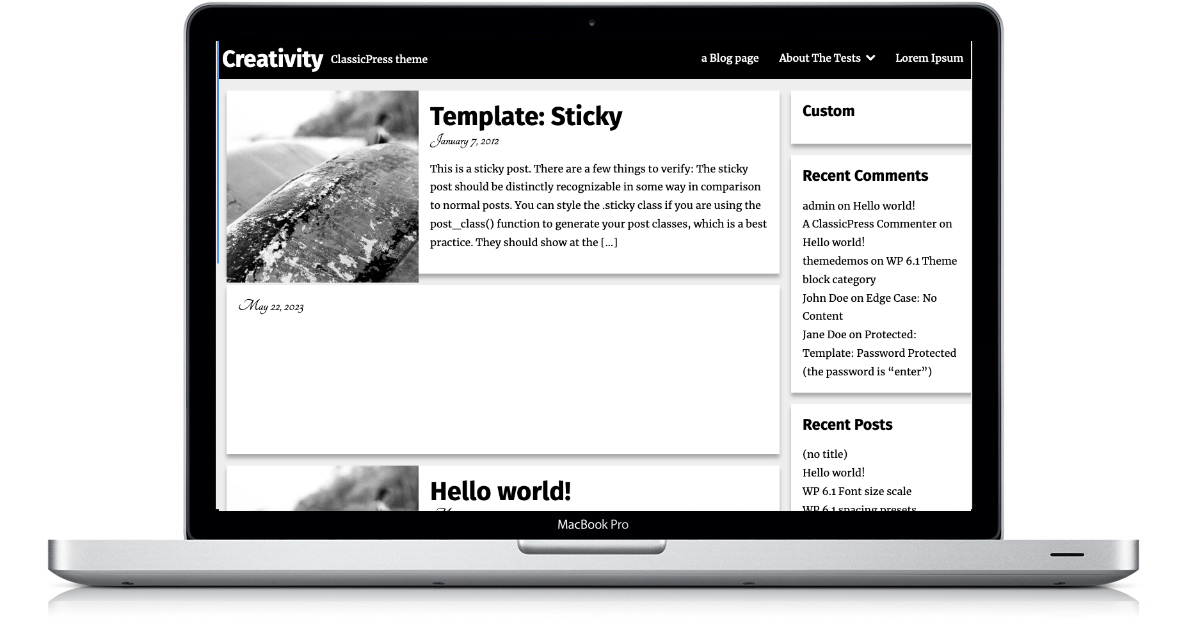
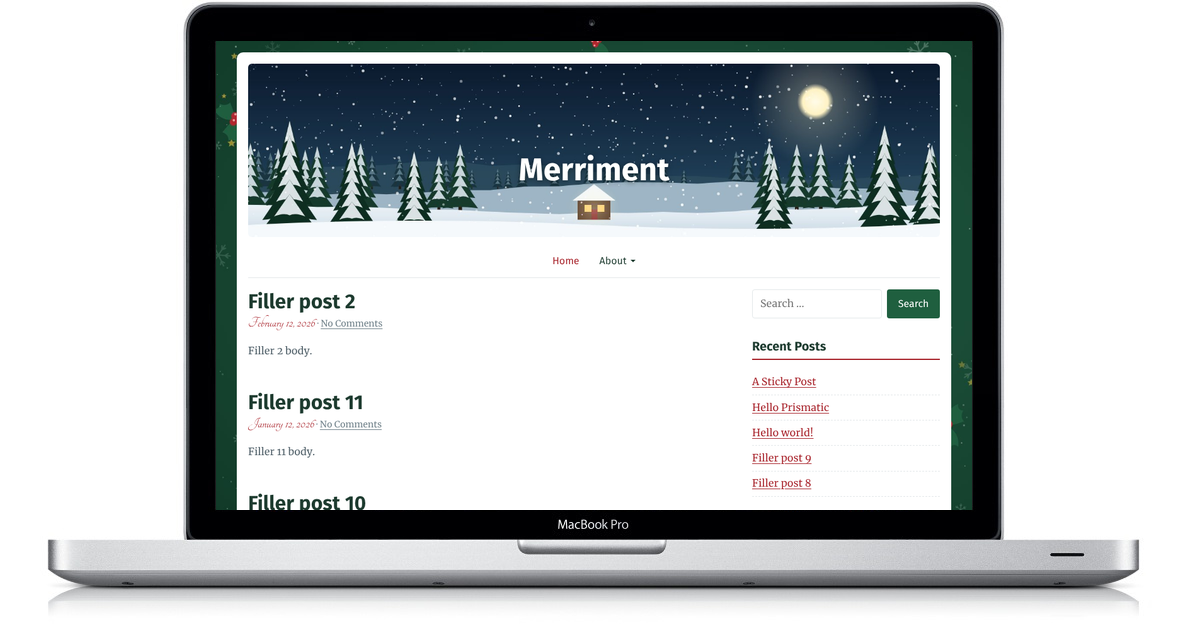
Ecclesiastical is a ClassicPress theme for churches and fellowships. A wide header image welcomes visitors, deep blue headings and Merriweather text keep announcements and sermons easy to read, and a sidebar holds the things people look for, like recent posts and service times. It’s responsive and mobile ready.
Ecclesiastical is a parent theme. If you want to customize it without losing your changes during updates, create a child theme. It’s a dependable starting point for a church, ministry, or fellowship website.
Features
Ecclesiastical is built on the Backdrop Framework, so it provides a solid starting point with many useful features.
- A custom header image, with a church auditorium photo included as the default.
- Choose a left sidebar, right sidebar, or no sidebar layout in the Customizer. The right sidebar is the default.
- Left Sidebar, Right Sidebar, and Custom Sidebar page templates, which use a second widget area so individual pages can show their own sidebar.
- A Primary menu in the header with dropdowns, a Secondary menu as a row of links in the footer, and a Social menu with icons.
- Featured images in three sizes, chosen in the Customizer, plus the aside post format.
- An Ecclesiastical Settings page to turn off emoji, the toolbar, and embeds, and to choose a private page for the 404 error.
- Footer credit text you can change in the Customizer.
- Merriweather typography for body text and Fira Sans for headings, loaded from the theme.
- Threaded comments and translation-ready strings for multilingual sites.
You can download the latest release on GitHub.
Child themes
Since Ecclesiastical is a parent theme, a child theme is the recommended way to keep your changes separate from the parent. Don't know how to make a child theme? Follow these steps:
- Create a folder named
ecclesiastical-childinside your/wp-content/themesdirectory. - Create a
style.cssfile in that folder. - Add the following theme header to
style.css:
/*
Theme Name: Ecclesiastical Child
Template: ecclesiastical
Version: 1.0.0
Text Domain: ecclesiastical-child
*/
The Template value must match the parent theme's folder name, ecclesiastical. Keep the Ecclesiastical parent installed and activate Ecclesiastical Child from the Themes screen.